Koozee is an all-in-one AI visual production platform built specifically for apparel e-commerce sellers on Amazon, Shopify, TikTok Shop, and Etsy. Upload a single clothing image and Koozee generates product photos, AI model images (virtual try-on), flat lays, ghost mannequin visuals, listing assets, and marketing videos — all in one workflow. Claims up to 99% cost reduction and 12× speedup vs. traditional photoshoots. Advanced fashion-optimized models (including Nanobanana Pro) preserve garment shape, fabric texture, and fine details. Shopify app available for bulk generation. Supports lingerie, swimwear, footwear, and all apparel categories. Launched August 2026 by STARII TECHNOLOGY PTY LTD (Sydney). Pro plan $22.90/mo (annual $16.66/mo) with 600 monthly credits; new users get 30 free credits.
Google Flow is a creative AI filmmaking workspace for turning prompts, images, and scenes into editable video concepts. It uses Google’s latest generative media stack to help creators brainstorm shots, generate clips, refine visual direction, and move faster from idea to rough cut. Filmmakers, marketers, designers, educators, and social teams can use Flow to prototype storyboards, test ad concepts, and explore cinematic variations without starting in a traditional video editor. The product is most useful when speed and iteration matter more than hand-crafting every frame. What makes Google Flow stand out is its native connection to Google’s multimodal models and Labs interface, giving creative users a guided environment for experimenting with AI video rather than a standalone prompt box.
OpenArt Director is a conversational AI video creation workspace inside OpenArt’s creator studio. Instead of managing separate image, video, character, world, audio and editing tools, creators can guide a video by chatting with AI, then keep characters, styles and scenes consistent across a project. The page highlights quick-start prompts such as anime shorts, ads and trailers, with access to models like Veo, Kling, Nano Banana Pro and Seedance through OpenArt’s suite. It is useful for marketers, social-video creators and solo creative teams who need a more directed workflow than prompt-and-pray video generation. The tool is notable now because both local X launch evidence and the official page point to a dedicated Director experience for vibe-directing videos.
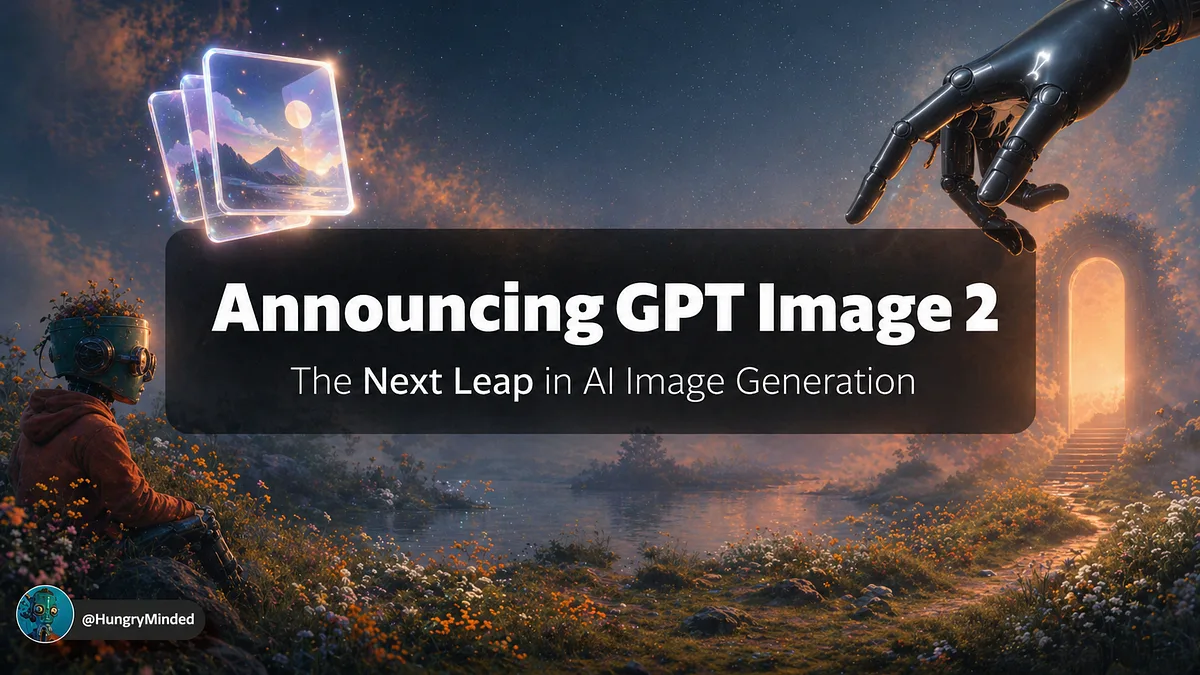
5 Wild Use Cases For GPT Image 2 The Next Leap in AI Image Generation and Where the Future is Heading Usually, I create lead images for my stories manually in Photoshop, using a template I've …
Runway’s Solaris points to a future where interfaces are generated in real time. Useful idea — but only if QA learns to verify behavior, not just pixels…